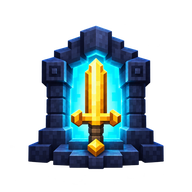
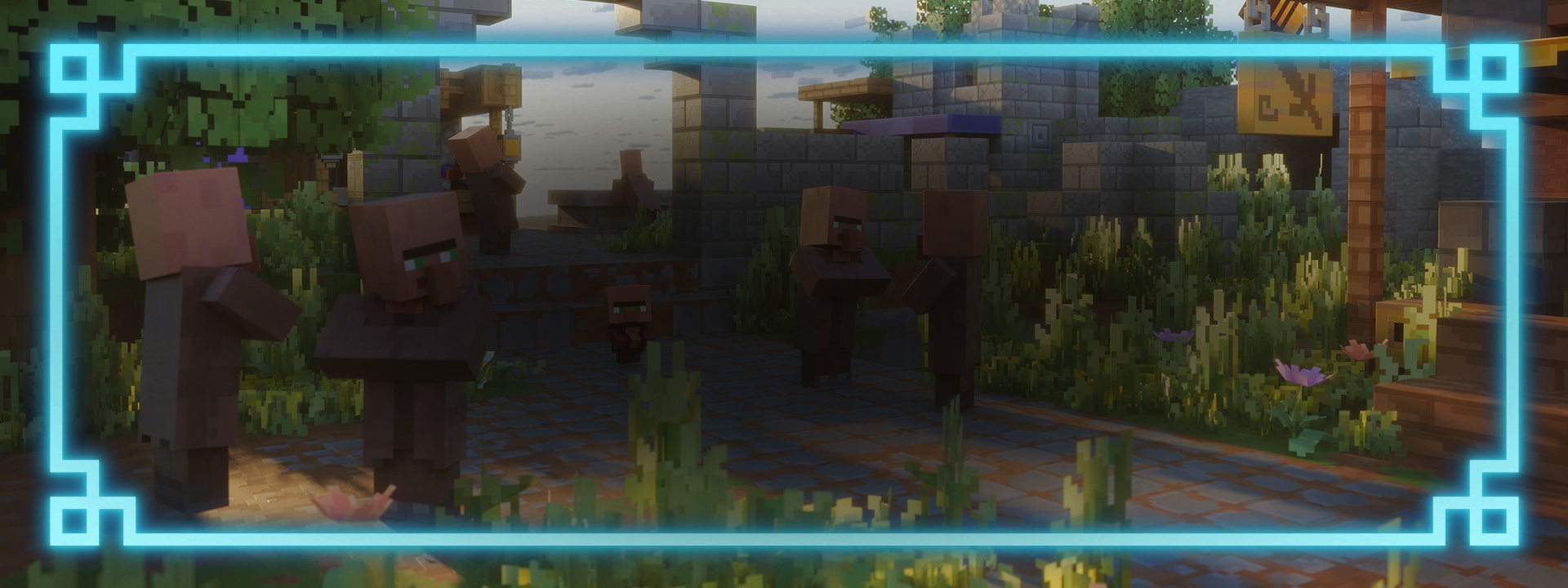
The Minecraft Dungeons II logo is available to view on the official game page. For a separate image file, the community-maintained Minecraft Wiki logo file page provides an original-resolution download. The game page is the official branding reference; the Wiki is a separate file repository.
Table of Contents

Where to Find the Logo
| Source | What you can find | Best use |
|---|---|---|
| Minecraft Dungeons II official page | Current game branding, trailers, and promotional artwork | Checking that an image belongs to the sequel |
| Minecraft Wiki logo file | The standalone logo and its file information | Opening the original image instead of saving a small thumbnail |
| Official Steam store page | Store branding and game screenshots | Finding a store reference or artwork with the logo |
How to Download the Standalone Image
- Open the Minecraft Wiki logo file page above.
- Select Original file below the preview to open the full-size image.
- Save that image using your browser's image menu. Saving the page itself downloads HTML, not the logo.
- Check the file dimensions before using it. Enlarging a small thumbnail will blur the lettering.
A logo image and a piece of key art serve different purposes. The standalone logo isolates the title, while key art also includes characters and scenery. Choose the file that fits your layout rather than cropping a screenshot of the store page.
Recognizing the Sequel's Branding
Look for the full Minecraft Dungeons II name, including the Roman numeral II. This distinguishes it from the first Minecraft Dungeons game. Compare any fan-made or edited version against the official page before treating it as an official asset.
Keep the image's original proportions when resizing it. If you need a transparent background, inspect the downloaded image in your editor; a white browser preview alone does not tell you whether the file has transparency.
Common Questions
Is the Wiki download an official Mojang press kit?
No. Minecraft Wiki hosts a community-maintained file page. Use the official game page to verify the branding and the file page to inspect the image and its attribution. An official SVG or a separate press-kit download has not been established by the sources linked here.
Is the logo the same as the game's key art?
No. Key art is a larger promotional illustration that may include the logo. The file link above is for the standalone title image.
Is Blub a combat companion shown in promotional material?
The Deluxe Edition's Blub pet is listed among the game's cosmetics on the official page. It should not be treated as a source of damage or a way to distract enemies. For gameplay help, continue to the boss guide; for installation sizes, use the storage guide.
References
- Minecraft Dungeons II
- Minecraft Dungeons II
- Minecraft Dungeons II: Opening Cinematic
- MINECRAFT DUNGEONS II | Announce Trailer